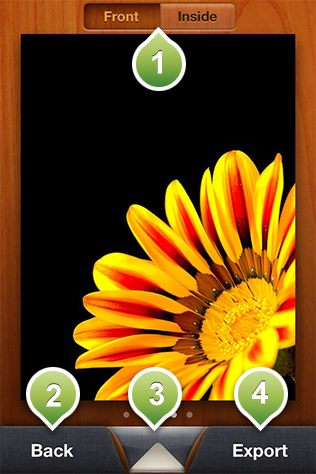
In this screen you can edit the external or the internal of the card, choose an envelope or the background this card will be in, when you send an eCard and finally export the eCard.
Choose if you want to edit the internal or the external of the eCard.
Takes you back in your eCards collection.
Takes to a panel where you can select the style of the envelope and the background your eCard will be presented in.
Gives you various options to export your eCard. If you select to print the card or to save it in your library, then a regular version of the card photo will be emailed/saved.