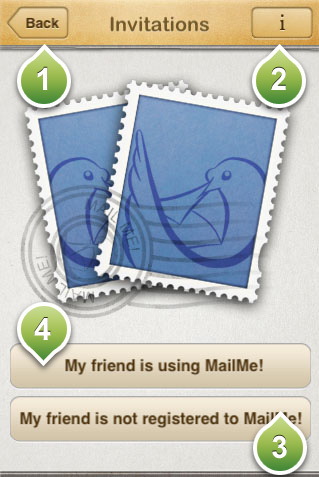
This is the invitation screen that allows you to invite people to be added to your list!
From the invitation screen you can choose the following options:
1) Gets you back to the main menu
2) Displays this help screen!
3) Invite a friend that is not currently a user of Mailme! It allows you to send an SMS text message to a friend of yours that contains a notice to use the app and your MailMe friend number. A convinient and secure way to let your friends know about the app. Note that regular SMS charges may apply from your service provider. If you are yousing iPhone 4 with the latest firmware update to invite another friend that uses iPhone4 with the latest firmware update, the SMS will be free on any provider. After your friend has installed the app, he/she will need to click "My friend is using mailme" (marked as 4) buton and insert your MailMe ID
4) It allows you to send a MailMe! invitation to one of your friends if you know their MailMe! ID. This means that your friendl needs first to download the app and register an account for a MailMe ID. You can find your MailMe ID displayed in the Settings screen.